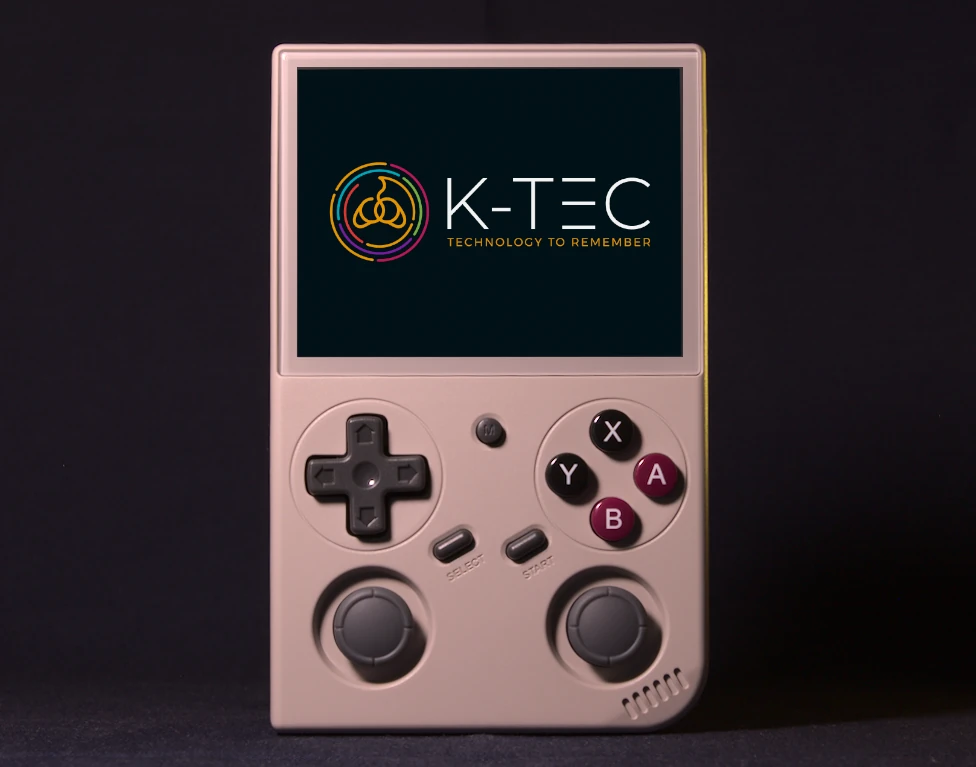

People often ask me how I choose which devices to stock at K-TEC. It’s a fair question — there are hundreds of retro handhelds out there, and the differences between them aren’t always obvious. So here’s the story behind the BATLEXP G350: what made it stand out, and why I decided it deserved a place in the lineup.
I’ve been here before
Before the G350, I sold the PowKiddy RGB20S. It was a good device — honest, capable, and straightforward. With ArkOS installed and properly configured, it did everything most people needed. I was happy to sell it, and my customers were happy with it.
But it wasn’t perfect. The face buttons were just a bit too small, and the D-pad was fine without being great. These are the things you only notice after extended play — when your thumbs are a little cramped or a diagonal input doesn’t quite register.
Then there were the SD cards. PowKiddy shipped the RGB20S with factory cards that had a reputation for failing. I replaced them with brand-name cards for every customer, but I heard from plenty of people who’d bought their RGB20S elsewhere. They’d been drawn in by the price, skipped the setup, and ended up with a device that didn’t live up to the promise. Poor performance because nothing was tuned properly. SD cards that corrupted and took their saved games with them.
It’s a story I heard over and over. And honestly, it’s a big part of why K-TEC exists.
The first time I picked up the G350
I’d heard some good things about the G350, which was reason enough to pick one up. It sits at a lower price point than most devices I’d consider, so I wanted to see for myself. The first time I held one, three things hit me immediately.
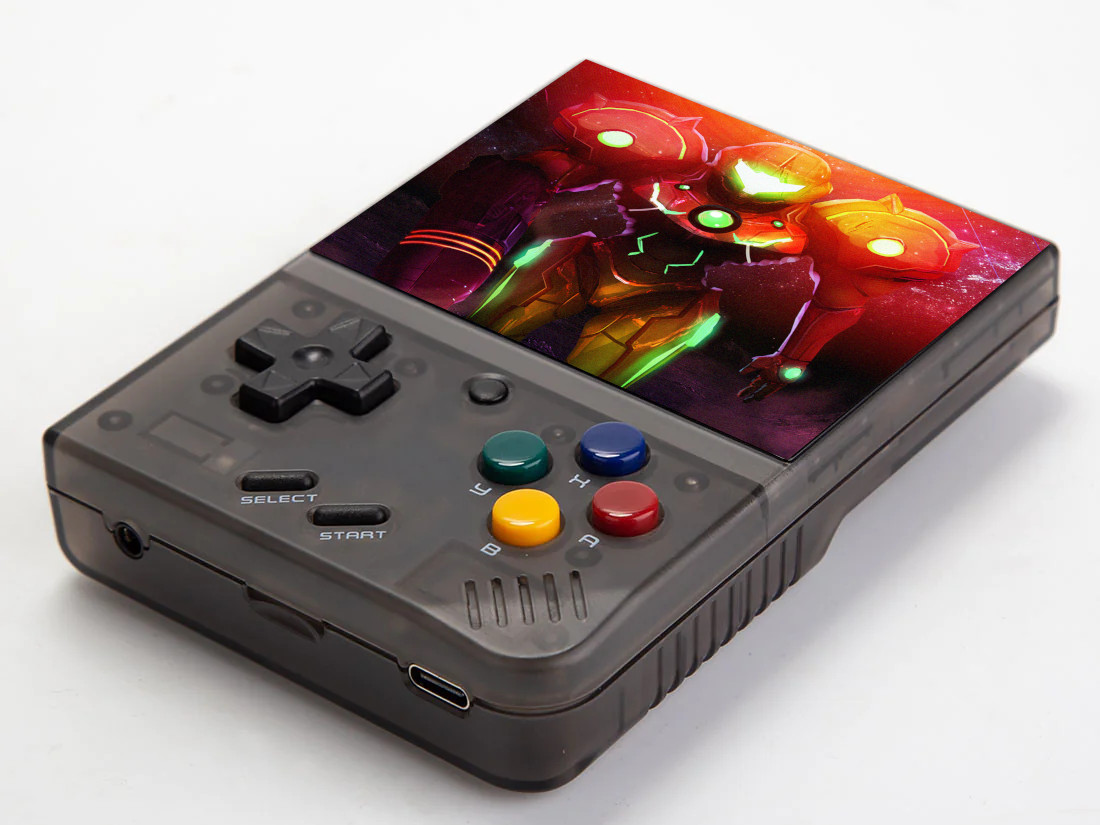
The screen. It’s gorgeous. Vibrant, punchy colours, with great viewing angles. At this price, a screen this good is a genuine surprise. Retro games were designed to be bright and colourful, and this display does them justice.
The controls. Anbernic are famous for putting excellent controls in their devices — particularly their D-pads. The G350’s controls feel like they came from an Anbernic device. Precise, comfortable, responsive. Another genuine surprise.
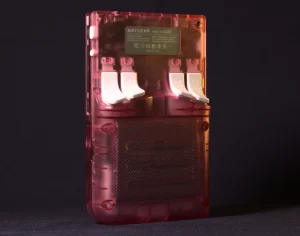
The comfort. This is harder to describe until you’ve held one, but the G350 just feels right. It’s well balanced. The trigger buttons are angled so your fingers rest on them naturally. The back of the device has gentle curves that sit nicely in your palms. It’s the kind of thing you don’t think about until you pick up a device that doesn’t have it.
I knew pretty quickly: this hardware deserved better than a stock experience.
Replacing the software
The G350 ships with Batocera — a capable piece of software in its own right. But the installation on the G350 is minimally configured. It lets you play games, but it doesn’t give you much room to fine-tune things, and the performance isn’t what it could be.
I’ve always liked ArkOS for handhelds. It strikes the right balance: a great experience straight away, with plenty of depth for anyone who wants to dig in and optimize. So dArkOS — its successor — was the natural choice for the G350.
With dArkOS installed, everything performs better. The system is more responsive, the emulation is smoother, and there’s room to tune individual platforms and games properly. I set up per-game control remaps for dozens of arcade titles, configured Commodore 64 joystick settings game by game, added display overlays for the Vectrex, and optimized performance for more demanding consoles. These are the details that make the difference between “it works” and “it feels right.”
I even contributed code back to the dArkOS project — adding the Amibery Amiga emulator, which runs noticeably better on this hardware. When you’re working with a device every day, you find ways to make it sing.
What it’s not
I wouldn’t be doing my job if I didn’t tell you what the G350 can’t do.
It doesn’t have WiFi, Bluetooth, or video output. It’s a pure portable gaming device — no online features, no connecting to your TV, no Bluetooth controllers. For some people, that’s exactly what they want. For others, it’s a deal-breaker, and that’s fine.
It’s also honest about its emulation ceiling. SNES, Mega Drive, Game Boy Advance, PlayStation 1 — these are its sweet spot. N64, PSP, and Nintendo DS are partial. If you need PS2 or GameCube, the G350 isn’t your device — you’d be looking at something like the Anbernic RG405M or the Retroid Pocket 3+.
And if you want WiFi or the ability to dual-boot into Android, the Anbernic RG-353V is the step-up from the G350.
I’d rather you bought the right device than the wrong one, even if it’s not this one.
Why buy it from K-TEC?
You can buy the G350 from Amazon for less. If you’re comfortable flashing firmware, configuring emulators, sourcing your own SD cards, and spending an evening getting everything set up — that might be the right choice for you.
But I think a lot of people will have the same experience as those RGB20S customers I mentioned earlier. They’ll be drawn in by the price, skip the setup, and end up with something that doesn’t feel right. The performance won’t be optimized. The factory SD card won’t be as reliable as it should be. And when something goes wrong, there’s no one to ask.
Every G350 I sell comes with:
- Brand-name Kioxia (Toshiba) SD cards — not the factory cards. Reliable storage that won’t let you down.
- Custom dArkOS installation — personally configured, tested, and tuned by me.
- Free UK delivery — via Royal Mail Tracked 48.
- Lifetime SD Card Guarantee — if your SD card fails in your G350, I’ll replace it. No one else offers this.
You open the box, turn it on, and play. That’s the whole point.
Not sure?
If you’re not certain whether the G350 is right for you — or if you’re trying to choose between devices — get in touch. I’m happy to talk you through the options. No pressure, no upsell. Just honest advice from someone who spends their days doing this.
If the G350 sounds like what you’re after, you can check it out here.
Want to see how K-TEC’s price and service compare to other G350 sellers? Read the Where to Buy the BATLEXP G350 in the UK guide.
Leave a Reply